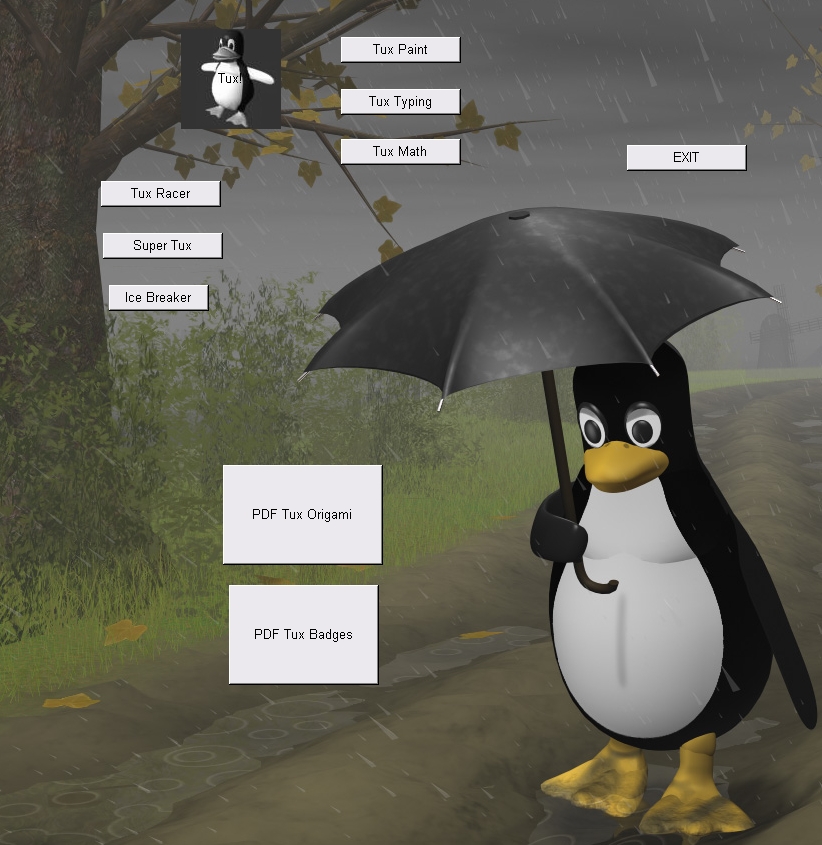
 free open source "Meet Tux the Penguin" free open source "Meet Tux the Penguin"
Download the file and unzip it to your computer.
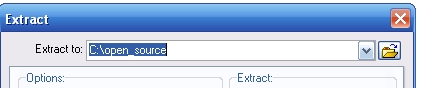
It will extract into a folder for safekeeping...
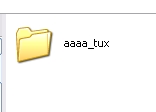
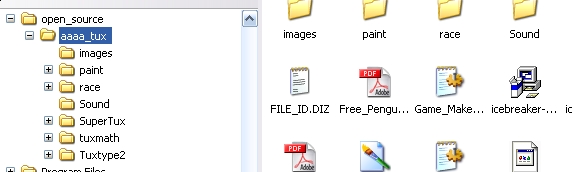
For the CD to Autorun, the files can't be trapped in that folder -- click on the aaa_tux folder, Select All, Copy, and Past to your CD...
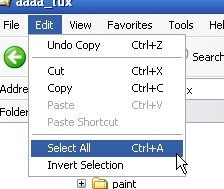 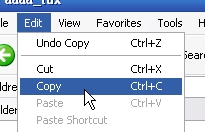
It should look basically like this - then you can burn it to the CD and it will auto-run.
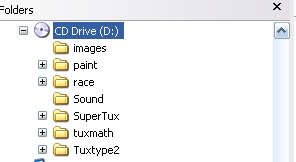
The CD_Start.exe file MUST be in the root of the CD, not hiding in a folder, for the CD to autorun.

IMPORTANT NOTE:
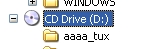 iF IT LOOKS LIKE THIS, IT WILL NOT AUTORUN! yOU'LL NEED TO COPY THE FILES OUT FROM THE FOLDER AND PASTE ONTO THE cd -- IF YOU JUST COPY THE FOLDER WHOLE, THE CD_Start.exe file won't be able to run. iF IT LOOKS LIKE THIS, IT WILL NOT AUTORUN! yOU'LL NEED TO COPY THE FILES OUT FROM THE FOLDER AND PASTE ONTO THE cd -- IF YOU JUST COPY THE FOLDER WHOLE, THE CD_Start.exe file won't be able to run.
E-mail me
|
